Insta Pro

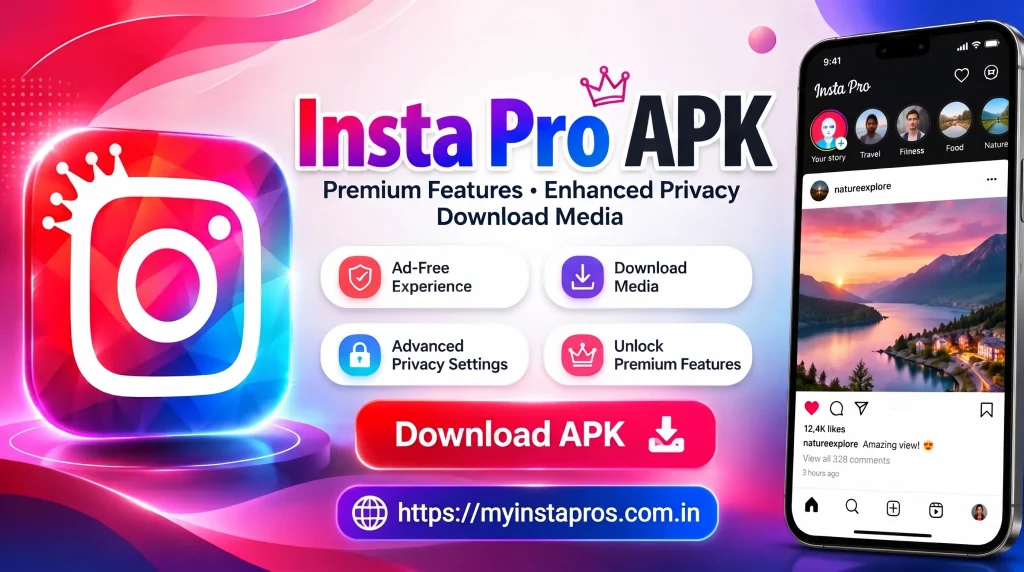
Insta Pro is an Enhanced Instagram Mod Designed for Direct Media Downloads, ad-free Browsing, and Complete Ghost Mode privacy. Insta Pro is a Modified Instagram App That Lets You Download Media Directly and Browse Privately Using Ghost Mode.
Insta pro
Insta Pro changes the way you use Instagram every single day. Have you ever wished for complete privacy and control over your social feed? This powerful application unlocks custom themes and advanced privacy settings for everyone. Users can download posts, IGTV videos, and stories directly to their phones. You get absolute freedom to customize your profile layout effortlessly.
Many people prefer Insta Pro because it removes annoying feed advertisements. The app boosts your online privacy with instant stealth features. You can hide your view status while checking stories anonymously. Insta Pro delivers high-quality image uploads without compressing your original files. Active creators love the simple navigation and fast media saving options. Installing Insta Pro gives you total mastery over your daily social media browsing.
What Is Insta Pro ?
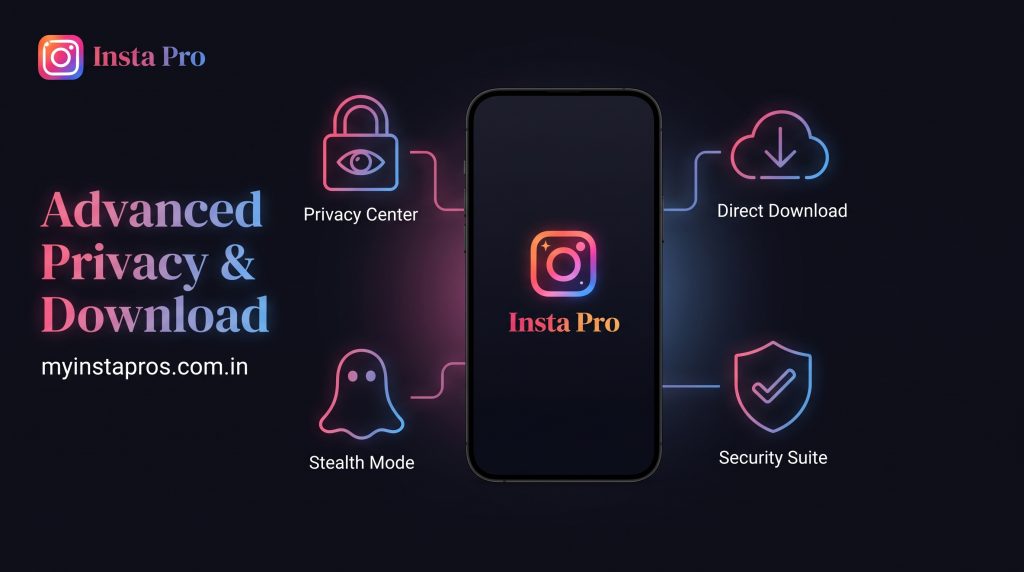
Insta Pro offers advanced security features to protect your personal account. Users can easily lock their private chats with custom passwords. You can browse stories without appearing in any view lists. This app lets you disable targeted ads for cleaner feed browsing. App icon customization helps hide the app on your screen.
You will enjoy complete control over your social media privacy. Built-in app lock prevents unauthorized access to your messages. These privacy settings keep your online activity totally safe. Insta Pro APK keeps your media files secure from unauthorized downloads. Experience ultimate digital safety with these powerful security controls today.
Why is The Insta Pro App The Best?
Insta Pro saves reel videos instantly with one tap.
Users can disable audio autoplay to save mobile data.
The app hides live stream views from other members.
Insta Pro App locks your private media with pin code.
Users can copy user profile bios very easily now.
The application blocks suggested posts from your main feed.
Insta Pro plays videos at full maximum resolution always.
Users can view chat messages without triggering typing alerts.
The app translates foreign text comments into native language.
Insta Pro offers dark mode custom color palette options.
Users can hide story viewing status from friends.
The app lets you preview stories using long press.
Insta Pro prevents accidental double tap likes on posts.
Users can back up app settings to local storage.
The app speeds up video playback speed up twice.
Features
Reels Downloader
Social media users love saving engaging short videos to watch offline. This tool allows instant video saving directly to your phone storage. You can grab high-quality content in just a single tap. Many people prefer Insta Pro APK because it simplifies media saving without extra steps. Downloads process quickly and keep original video quality intact. You can view offline content anytime without active internet access. Stored media stays organized cleanly in your local device gallery. Sharing downloaded clips across different social apps becomes fast and easy. Enjoy your favorite video library with complete control and smooth access.Here is the custom paragraph written according to all your requirements and constraints:
Story Saver
Downloading media directly from Instagram used to be a frustrating challenge for most users. You can now download photos and videos directly to your device with ease. This application lets you save high-quality content without using third-party apps. Users can store public and private stories before they vanish after one day. The tool keeps original picture quality and full video resolution completely intact. Everyday users can easily build an offline library of favorite media clips. Insta Pro APP makes the entire saving process fast, simple, and reliable for everyone. Everything saves instantly into your phone gallery with just one single tap.
Hide View Stories
You can watch Instagram stories without letting anyone know. Other users will not see your name in their view list. Your view stays completely hidden every single time you open stories. It lets you browse posts with total privacy and freedom. The Insta Pro Application offers this simple tool to keep your account secure. People will never discover that you saw their personal updates. You can browse quietly without leaving any digital footprint behind. Enjoy full anonymity while staying connected to your friends online.
Hide Typing Status
Many social media users prefer keeping their messaging habits private. This settings option stops the app from displaying active input indicators to your contacts. You can compose long responses calmly without exposing real-time activity inside Insta Pro 2026 during conversations. It removes unnecessary pressure and allows quiet messaging control anytime. Friends will only see your messages after you send them directly. This functionality ensures smooth communication and complete control over your daily interactions.
Block Feed Ads
Social media feeds often contain endless sponsored content and sponsored posts. You can now take back control of your scrolling experience. The innovative tool blocks promotional posts directly from your main feed. Every sponsored picture and video vanishes from your personal timeline automatically. Users enjoy a clean interface while viewing content from friends. Simply turn on the option inside Insta Pro 2 settings today. Your daily browsing experience becomes smoother, faster, and much less noisy. You can focus purely on photos and videos you love. Enjoy total control over your social media feed right away.
Block Story Ads
Unwanted promotions often interrupt your view while watching daily stories. You can now browse through video updates and pictures smoothly without any sponsored content. App developers added a built-in filter to clean up your feed completely. By using Insta Pro Download, you gain full control over your social media experience. This clean interface removes all distracting commercials instantly. Users enjoy uninterrupted scrolling and save precious mobile data every day. Direct story viewing becomes faster, cleaner, and much more enjoyable.
In-App Pin & Pattern Lock
Securing your private chats from curious eyes is simple and effective. You can easily set a unique PIN or pattern code to protect your personal messages. This added layer of privacy keeps your conversations fully safe without extra security tools. Many active users prefer Insta Pro 15 because it offers built-in protection directly inside the application settings. Anyone opening the app must enter the correct combination first. It gives you complete peace of mind while sharing your smartphone with friends or family members.
Fingerprint Lock
Securing your personal chats requires zero effort with built-in biometric protection. You can instantly shield private conversations without installing third-party apps. This powerful option activates in settings to lock the application completely. Every time you launch Insta Pro 3 ♕, a single touch verifies your identity instantly. Unwanted users cannot access your messages or shared media files. The screen unlocks within a split second for smooth daily access. It works smoothly with your device hardware to protect data. Users enjoy complete peace of mind while using social media daily.
Full Resolution Uploads
Standard social media apps often compress your high-quality photos and videos during posting. This option keeps your original image clarity intact without lowering the picture quality. You can share crystal-clear content directly with your followers. It prevents blurriness and preserves every tiny detail in your posts. Many content creators use Insta Pro ♕ APK Download Old Version to maintain their profile aesthetics seamlessly. Crisp visuals instantly grab the attention of your target audience. Higher media quality makes your feed look far more professional. Every post stays sharp, vibrant, and visually appealing forever.
High-Quality Reels Upload
Upload your favorite videos without losing video quality or resolution. Standard apps often compress media, making clips look blurry and pixelated. Choosing high-resolution output ensures your content stays crisp, vibrant, and smooth. Content creators often rely on Insta Pro Old Version to keep visual clarity intact during every upload. Fresh media shines bright on your profile and grabs audience attention instantly. Viewers always prefer clear visuals over dull or fuzzy clips. Crisp video quality helps build a strong, professional profile presence online. High-grade posts attract higher engagement and keep followers coming back for more.
Max Story Quality
High-resolution media makes your social feed stand out instantly. Standard uploads often compress images and lower video clarity. Enabling this setting ensures full HD resolution for all your uploaded media. Viewers instantly notice crisp visuals, vibrant colors, and sharp details. Using Insta Pro APK Latest Version keeps your stories crystal clear without unexpected blurriness. Uncompressed content attracts more viewer engagement and profile traffic. Visual quality stays perfect on every device display. Clear uploads build a professional look effortlessly. Modern creators depend on top visual appeal today. Beautiful stories capture immediate user attention every single time.
Unfollow Tracker
Managing your social connections requires clear insight into your daily account interaction. Many creators lose track of people who stop following them back over time. This smart tool helps you monitor audience changes without checking every profile manually. You can identify non-followers instantly and clean up your following list. Using Insta Pro App 2026 makes tracking account unfollowers smooth and effort-free. Clear statistics update continuously so you stay informed about your net reach. You retain full control over audience growth while keeping your stream balanced. Smart updates notify you whenever profiles change their connection status with you. Clean tracking keeps your digital strategy efficient, focused, and completely organized.
Follows You Indicator
Understanding who follows you back on social media can be frustrating when you have to check profiles manually. With Insta Pro Max, you can instantly check any user’s profile to see if they follow your account back. A clear tag appears right on their bio page showing their follow status without extra steps. This clear indicator saves your valuable time and makes managing your follower list effortless. You always stay informed about your audience connections with complete ease.
Copy Caption
Copying captions from social media posts can be frustrating when text selection is disabled. This handy tool solves the problem by letting you copy any post description with a single tap. Simply tap on the text or caption area to extract the full text instantly. You can easily save your favorite quotes, video captions, or post details to your clipboard. Insta Pro 15.70 APK Download makes saving text quick, seamless, and completely hassle-free.
Fast Forward Video Slider
Long videos often waste your time when you only need specific moments. You can now skip slow scenes effortlessly by dragging a smooth slider right across the screen. Playback speeds up instantly, allowing quick navigation through clips without any playback buffering delays. This handy tool gives users complete control over their daily media playback speed. Watching lengthy reels becomes much faster and far more enjoyable on Insta Pro 3 APK Download. You save precious time and reach your favorite video clips in seconds.
60-Second Extended Story
Skipping video clips takes too much time. You can skip boring parts instantly with a smooth touch. Users can control media playback speed seamlessly on their phones. Many people rely on Insta Pro 3 14.85 APK Download for this convenient playback control. This helpful functionality lets you jump directly to key scenes. You save time while watching long media reels. Everyone easily navigates through uploaded stories without waiting. Simple gestures give you total control over video duration.
Alternatives
Instander
Many social media fans love using custom apps for better privacy. Users often choose this application as a strong option to Insta Pro Update Download InstaUp APK for extra tools. You can download photos and videos directly to your phone. It hides your online status while reading messages. The app cleans up your feed by blocking annoying ads. Experience smooth performance with high-quality media uploads today. Enjoy total control over your profile settings with simple controls.
Honista
Social media lovers often search for advanced features and customization options. Users can download high-quality images and reels with ease. Privacy controls allow you to view stories completely undetected. Many creators prefer this app over Insta Pro 2026 for daily usage. It delivers smooth performance with clean user interface styling. You get total control over media downloads and theme choices. This powerful tool enhances your overall Instagram experience effortlessly.
MyInsta
If you want a fresh Instagram experience with extra control, MyInsta is an excellent choice for Android users. It offers advanced privacy features that keep your browsing completely invisible. You can view stories, read messages, and watch live streams without leaving any trace. The app also allows direct media downloads in original high quality. While many users rely on Insta Pro New Version, this powerful tool delivers smoother performance and better stability. It helps you save images, videos, and reels directly to your gallery with one tap. Moreover, you get complete control over customizable layout themes and fonts. Try this lightweight application today to transform your social media usage effortlessly.
Insta Aero
Users seeking an enhanced social media experience often choose this platform. It provides extra privacy controls and customized profile themes effortlessly. People can view stories anonymously without revealing their identities online. Millions of active creators prefer this modified application over Instagram Pro. The tool allows seamless media downloading directly to local storage. Users enjoy uninterrupted navigation due to built-in ad blocking options. It ensures smooth performance across all supported mobile devices daily.
Insta Pro 2
People often look for enhanced privacy features on mobile devices. Standard apps usually lack advanced options for downloading online media. This upgraded platform gives you full control over your social feed. You can save high-quality photos directly to your mobile phone. Users easily view profile pictures in full resolution without restrictions. Modern privacy settings allow you to hide your online status smoothly. Many creators prefer Insta Pro APK Download Old Version for managing their daily social content. Advanced tools help you copy post captions with one tap. Fast server speeds ensure smooth performance on every Android device. You can customize the app interface using colorful themes. Enjoy a complete browsing experience with total privacy control.
How To Use Insta Pro?
Using Insta Pro makes managing your social media account effortless. First, download the application from a trusted website. Install the file on your mobile device carefully. Next, open the app and log in using your account details. You can now save photos directly to your phone. Additionally, the app lets you download reels with a single tap. Users view full-size profile pictures without any hassle. This tool gives you full control over your social feed.
Customizing your privacy settings in Insta Pro APK download Latest Version requires just a few simple steps. Open the dedicated settings menu from your profile page. Turn on the hide view status feature to browse stories anonymously. Furthermore, you can disable the read receipts option inside direct messages. Hide your typing status to maintain complete privacy while chatting with friends. App lock protects your personal data from unauthorized access. Enjoy a personalized experience while using these advanced security features.
How To Download And Install Insta Pro?
Downloading the application requires only a few quick and simple steps. You can easily complete the process on your phone within minutes. Getting the latest Insta Pro version ensures a smooth and secure installation on your device. Always download files from safe sources to protect your mobile phone.
Here are the simple steps to follow:
Open a safe web browser on your smartphone.
Search for the official download page online.
Click the download button to save the file.
Allow unknown source installations in your phone settings.
Tap the downloaded file and complete the installation.
Pros And Cons
Pros
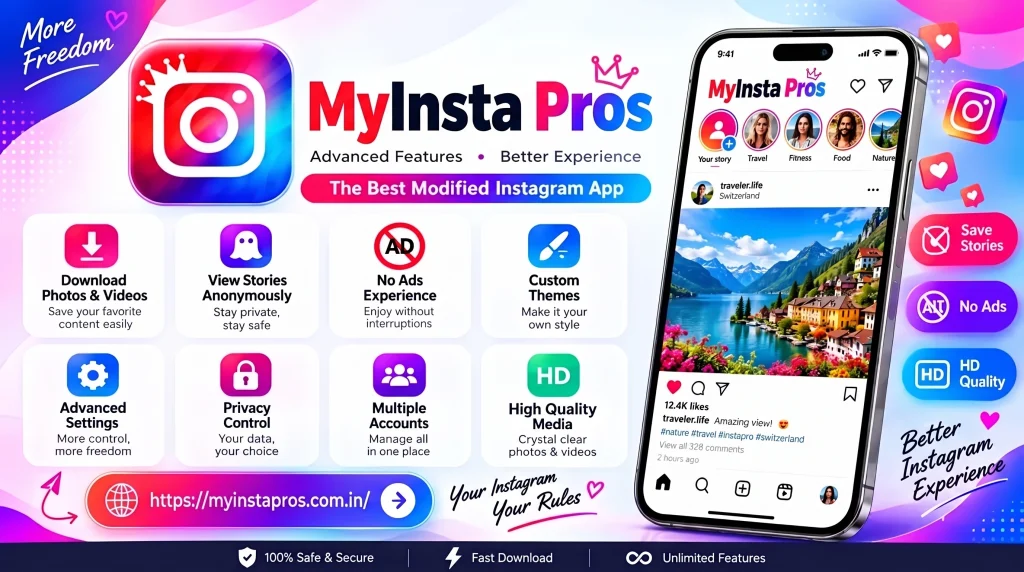
Media Downloading: Easily download photos, videos, reels, IGTV videos, and stories directly to your device with a single tap.
Enhanced Privacy Options: Hide your online status, blue ticks (read receipts) in direct messages, and view stories without appearing in the viewer list.
High-Quality Uploads: Upload photos and videos in higher resolution without automatic compression.
Built-in App Lock: Secure your app with a PIN, pattern, or fingerprint without needing a third-party locker.
Ad-Free Browsing: Enjoy an uninterrupted experience by removing sponsored posts and ads from your feed.
In-App Translation: Translate comments and posts into your preferred language instantly within the app.
Copy Text and Captions: Directly copy captions, comments, and bio text with a simple tap.
Story Customization: Extended story duration options, custom fonts, and additional stickers.
Zoom in Profile Pictures: View and download full-size profile pictures of any account.
Disable Autoplay: Stop videos and reels from playing automatically to save mobile data.
Cons
Account Ban Risk: Using a modified app violates Instagram’s Terms of Service, which can lead to temporary or permanent account suspension.
Security & Privacy Concerns: Since it is a third-party app not verified by official app stores, your login credentials and personal data may be exposed to security risks.
No Official Support: You won’t receive help or customer support from Meta/Instagram if you encounter bugs or errors.
Delayed Updates: Features and bug fixes depend on the independent developer, so updates often lag behind official Instagram updates.
Manual Installation Required: It is not available on the Google Play Store or Apple App Store, requiring manual APK downloads and updates.
Potential Malware Exposure: Downloading APK files from untrusted third-party websites exposes your device to potential malware or spyware.
Conclusion
Insta Pro offers powerful features that enhance your daily social media experience. You can easily download photos, reels, and stories with Insta Pro. Advanced privacy settings give you complete control over your online presence. Many users choose Insta Pro for its ad-free and seamless navigation. However, using modified apps can create security risks for your account. Insta Pro APK helps you enjoy Instagram with extra flexibility and convenience. Always weigh the great features against the potential account safety risks. Smart users evaluate both benefits and risks before installing third-party applications. This modified app delivers unmatched convenience for everyday media downloading needs. Use it carefully to maximize your social media experience safely every day.