
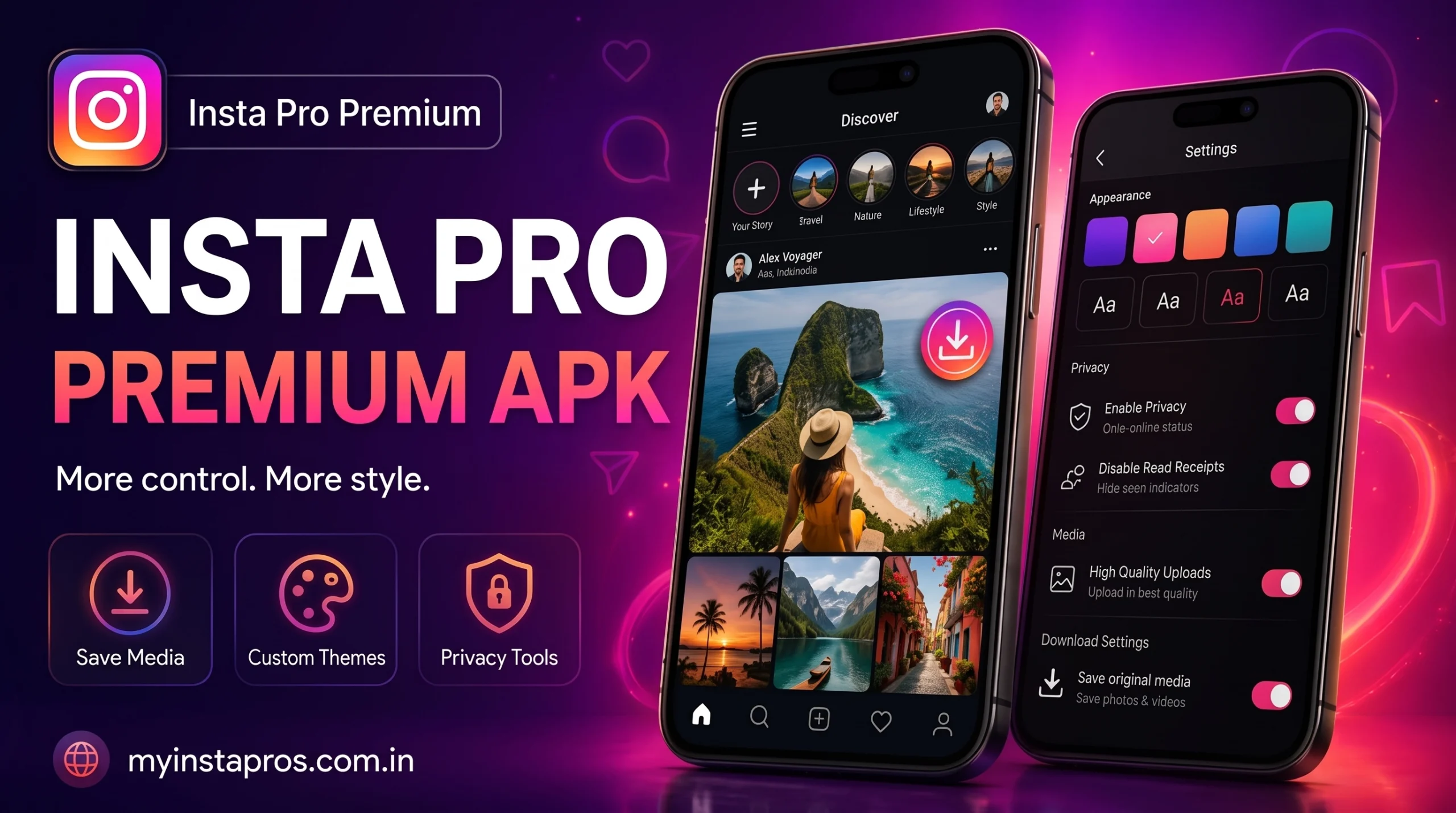
| App Name | insta pro |
|---|---|
| Version | V14.55 |
| Size | 139 MB |
| Developer | SamMods |
| Android Vr | 4.4.2 UP |
| Downloads | 50,000000+ |
| Server | Mediafire |
Insta Pro Premium APK
Instagram has become a major social platform for sharing photos, reels, stories, and messages. Many Android users search for modified applications that provide additional customization and privacy options. Insta Pro Premium APK is a popular search term among users interested in an alternative Instagram experience. It may offer extra settings beyond the standard application. These options can make browsing more flexible and personalized. Users can explore different interface preferences and additional controls depending on the installed version. However, third-party APK files should always be handled carefully. The download source can affect the safety and reliability of an application. Users should also review permissions before giving an application access to their device. Keeping Android updated is another useful step for improving security. Understanding the available features can help users make a more informed choice.
What Is Insta Pro Premium APK?
Insta Pro Premium APK is generally described as a modified Instagram-style application for Android devices. It aims to provide additional controls that may not be available in the official Instagram application. The interface usually follows familiar social media navigation, making it easy for existing Instagram users to understand. Depending on the release, users may find privacy settings, appearance controls, media options, and other additional tools. Since modified applications can change between versions, features are not always identical. Users should therefore check the details of the specific release before installation. It is also important to remember that unofficial applications are not developed or supported by Instagram.
Why Do Users Look for Insta Pro?
Many Android users search for Insta Pro Premium APK because they want more control over their social media experience. Standard applications often provide limited customization options. Alternative versions may introduce additional settings for appearance, privacy, and browsing. Users may also prefer an interface that gives them more control over certain activities. These options can make everyday browsing feel more personalized. However, convenience should not come before security. Users should carefully evaluate any third-party application before installing it on their device.
Main Features of Insta Pro Premium
The features associated with Insta Pro Premium APK can vary depending on the version and developer. Some releases may focus on privacy, while others emphasize customization and media-related controls. Commonly promoted features can include the following.
Enhanced Privacy Options
Privacy controls can be an important reason for exploring modified applications. Insta Pro Premium APK may provide additional settings related to activity, stories, and online interactions. These controls can give users more flexibility while browsing social content. However, users should understand that privacy features can differ between releases and may not provide complete protection.
Customization Tools
Customization allows users to change aspects of the application interface. Some versions may provide additional themes, colors, icons, or layout options. These settings can make the browsing experience feel more personal. Users who prefer a different visual style may find these options useful.
Media Management
Some releases advertise extra options for handling photos and videos. Insta Pro Premium APK may include tools that make saving supported media more convenient. Users should always respect copyright and content ownership when using such features. Downloading content does not automatically provide permission to redistribute it.
Story Controls
Stories are an important part of modern social media. Some modified versions may offer additional controls for viewing story content. These settings can provide more flexibility for users who want different browsing options. The exact functions can change with each release.
Interface Settings
Users may also find additional controls for adjusting the application’s appearance. Fonts, themes, colors, and other visual elements can sometimes be modified. These settings can help users create a more comfortable interface according to their preferences.
How to Download and Install on Android
Before starting Insta Pro Premium APK installation, users should check their device storage and Android compatibility. They should also make sure the APK comes from a source they trust. Unknown websites may distribute files that contain unwanted software or excessive permissions.
Follow these general steps:
- Check your Android version and available storage.
- Find a reliable source for the APK file.
- Download the compatible version.
- Scan the file with trusted security software.
- Review Android installation settings.
- Allow installation only when necessary.
- Install the APK carefully.
- Open the application after installation.
- Review all requested permissions.
- Remove the application if anything seems suspicious.
Users should avoid files that request unnecessary access to personal information.
Benefits of Using Insta Pro Premium
For users interested in Insta Pro Premium APK, additional customization can be a major advantage. Extra privacy controls may provide more flexibility during browsing. Interface settings can also make the application more comfortable to use. Some releases may provide convenient media management features. The familiar social media design can make navigation straightforward for existing users.
Other potential benefits include:
- More interface customization
- Additional browsing controls
- Flexible privacy settings
- Convenient media options
- Familiar navigation
- Extra appearance choices
The available benefits depend on the particular version installed.
Is Insta Pro Premium Safe?
Safety should always be considered before installing third-party software. Insta Pro Premium APK may be distributed by independent developers rather than the official Instagram team. As a result, users should carefully check the source before downloading any file. An unreliable APK can potentially contain harmful software or request unnecessary permissions.
For better protection, users should:
- Use trusted download sources.
- Scan APK files before installation.
- Check permissions carefully.
- Keep Android security features active.
- Avoid suspicious pop-ups and redirects.
- Never share sensitive account details unnecessarily.
- Uninstall applications that behave unexpectedly.
No third-party APK should be treated as automatically safe simply because it is popular online.
Insta Pro Premium vs Official Instagram
The official Instagram application is maintained by Meta and receives platform updates through established channels. Modified applications are usually developed independently. Insta Pro Premium APK may provide additional customization options, but it may not offer the same level of official support or update reliability.
Users who prioritize official security and support may prefer the standard application. Users who value additional customization may be interested in alternatives. Before making a choice, it is important to consider security, account protection, compatibility, and update availability.
Tips for Better Performance
Using Insta Pro Premium APK responsibly can help reduce common Android problems. Users should keep sufficient free storage on their devices and avoid installing several unknown applications. A stable internet connection can also improve the overall browsing experience. Regularly reviewing application permissions is another useful habit.
For better performance:
- Keep Android updated.
- Maintain enough free storage.
- Use a stable internet connection.
- Close unnecessary background applications.
- Review permissions regularly.
- Avoid suspicious links.
- Use strong account credentials.
- Remove outdated versions when necessary.
These simple practices can help maintain a cleaner and more secure Android environment.
Common Issues and Solutions
Users may experience problems such as installation failures, application crashes, login errors, or compatibility issues. Insta Pro Premium APK can behave differently across Android versions because it is not necessarily maintained through official channels. An outdated release may also stop working after changes to the underlying platform.
If installation fails, check available storage and Android compatibility. If the application crashes, restarting the device may resolve temporary issues. Users can also remove an unstable version instead of repeatedly installing unknown APK files. When account access becomes difficult, using the official Instagram application can provide a more reliable alternative.
Final Words
Insta Pro Premium APK may attract Android users who want additional privacy controls, customization options, and flexible browsing features. Its familiar interface can make it easy for existing social media users to explore. However, third-party applications also carry potential security and compatibility concerns. Users should carefully verify the source, review permissions, and protect their account information before installation. They should also understand that features can vary between releases. Making an informed decision is better than choosing an APK based only on its advertised features. For users who prioritize official support and security, the standard Instagram application remains the safer choice.